Is a colour e-reader worth it? Four PocketBook and Bigme e-ink models
E-readers under €300
A phone already holds a whole library, and people still buy a separate e-reader for books. The reason is the screen. E-ink puts dark letters on a pale surface, holds the picture without spending power, and stays calm at midnight instead of glowing. An e-reader also does one job, so a chapter stays a chapter instead of turning into twenty minutes of messages.
The listings make these e-readers look interchangeable: a 6 or 7 inch e-ink panel, a handful of gigabytes, a warm front light, a USB-C socket. The differences that matter sit elsewhere — which files the e-reader opens without conversion, whether the panel shows colour, how quickly the screen answers a tap, and whether page-turn buttons exist at all. Those four things decide whether an e-reader feels like a book or like a slow tablet.
This e-reader comparison puts four e-ink models side by side: a small mono PocketBook, a 6-inch colour model running Android, a 7-inch colour panel and a 7.8-inch e-reader bought mostly for documents. They sit in one price band — in most stores each one stays under $330, and the group sits near $240 — so the choice is about the page rather than the budget. Every figure comes from the listings, every opinion from people who own these e-readers.
Models in this comparison
Typical price across these models: about €229. Rough figures from store prices converted at fixed rates: what you pay also depends on the store and the region you order from. With our browser extension you can compare every Amazon store at once, right on the product page.
PocketBook Verse Pro: the compact 6-inch e-reader
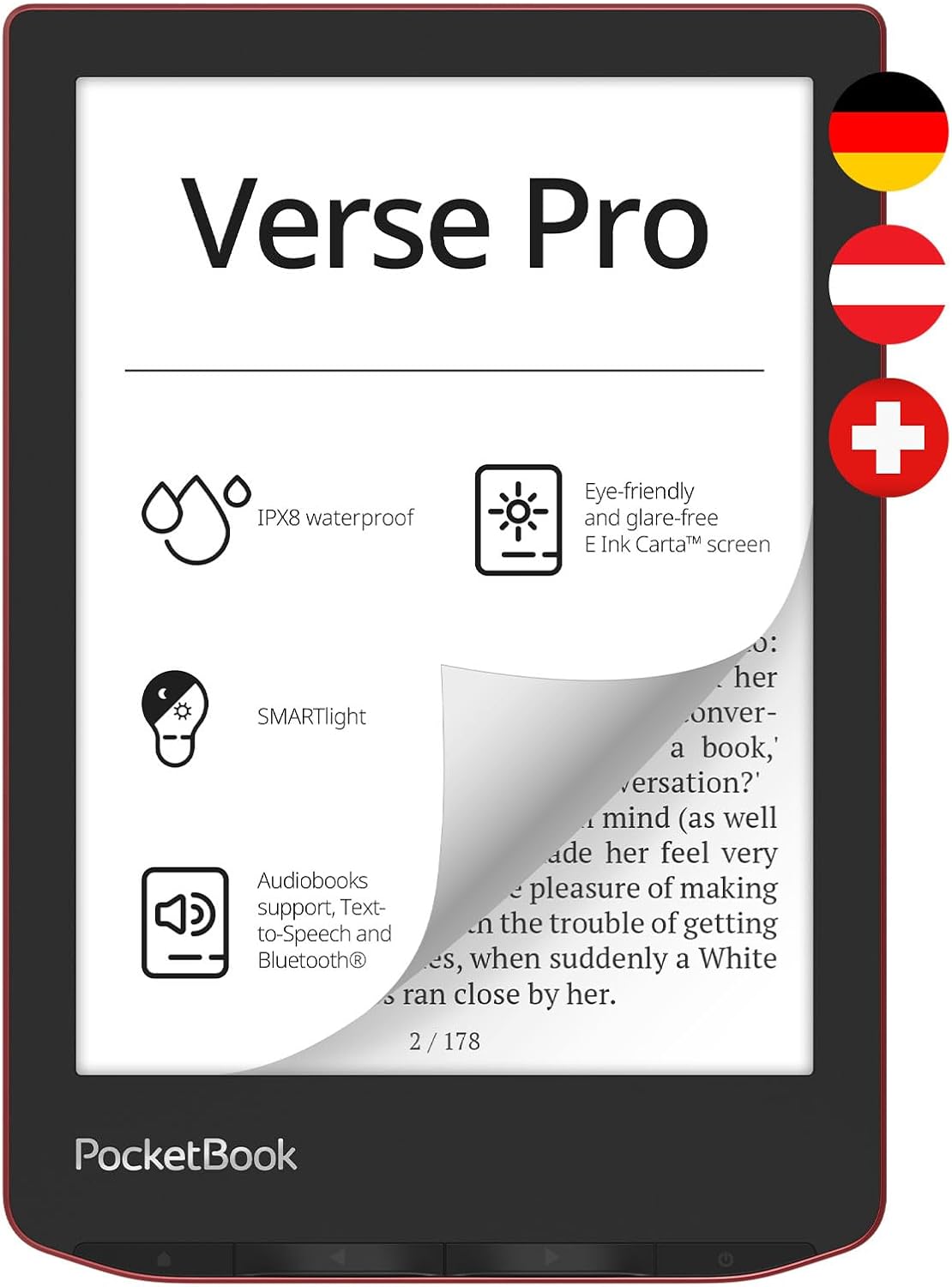
PocketBook E-Book Reader 'Verse Pro' (German Version) 16 GB Memory, IPX8, Bluetooth, 15.2 cm (6 Inch) E-Ink Carta Display - Passion Red
ASIN: B0CKDLDDN1
- ✓Non-reflective 6-inch E-Ink Carta touchscreen at 1,072 × 1,448
- ✓Smart light that changes both brightness and light colour
- ✓Bluetooth for wireless headphones or a speaker, plus text-to-speech
- ✓IPX8 water protection for the bath or the poolside
- ✓Page-turn buttons alongside the touchscreen
- ✓Opens EPUB, MOBI, PDF, TXT, DOC, DOCX and image files
- Screen
- 6 in E-Ink Carta, 1,072 × 1,448
- Storage
- 16 GB
- RAM
- 512 MB
- Water protection
- IPX8
- Weight
- 186 g
- Size
- 15.6 × 10.8 × 0.8 cm
- Battery
- About one month
- In the box
- E-reader, USB-C cable, documents
Open this product on Amazon
Amazon prices change all the time, so check the current one on the store page. To compare every Amazon store at once, use our browser extension.
The Verse Pro is the smallest and lightest mono model here: 186 grams, 8 millimetres thick, a 6-inch Carta panel at 1,072 × 1,448 that throws back no reflections. The smart light shifts colour as well as brightness, so the page can go cool at noon and amber at night. Two page-turn buttons sit under the thumb, which the 7-inch colour e-reader here does without. Bluetooth pairs headphones or a speaker for audiobooks and for the text-to-speech voice, IPX8 means a splash in the bath costs nothing, and the format list — EPUB, MOBI, PDF, TXT, DOC, DOCX and image files — means most files open as they are. Inside sit a dual-core processor and 512 MB of RAM, and that second number explains a great deal below.
The praise is consistent about three things. The text is sharp and comfortable for hours, several owners say, and the adjustable light colour is the feature they name after the panel itself. Wide format support is the second theme: a German owner opens EPUB, PDF, MOBI and more without converting anything, and counts that as his reason to leave a closed system. The third is the hardware feel — light in the hand, well made, and a buyer in the United Kingdom calls this e-reader fast, small and close to perfect for a coat pocket. Two owners bought the e-reader to borrow books from a public library, because the lending app runs on the device itself with no computer in between.
The complaints are just as consistent, and most point at speed. A three-star owner says this e-reader answers visibly slower than the Kindle and the Tolino he knows, above all in the menus. Page turns can misfire, jumping forward when you meant back, though one owner found the cure — swipe instead of tapping. Another buyer measured three days of battery instead of the promised weeks with the radios off, watched the e-reader freeze and reboot, and rated it one star. Wi-Fi is the second sore point: it drops by itself for two owners. An Italian owner heard the case creak, then installed a different reading app, which the open software allows, and says e-reading became fast and responsive — the reason he kept it. One owner would rather have the storage back than the preinstalled games, and one was woken at night by the screen lighting up for a sync, which can be switched off.
Pros
- Sharp, non-reflective page that stays comfortable over long sessions
- Light colour and brightness both adjustable, from cool daylight to amber
- Physical buttons and a touchscreen, so both hands work
- Opens almost any common book or document file without conversion
- Library lending runs on the e-reader itself, with no computer in between
- Open enough to accept another reading app, which cured the speed for one owner
Cons
- Slow to answer — the point most owners raise
- Taps sometimes turn the page the wrong way; swiping works better
- One owner got three days of battery, not the weeks the listing promises
- Wi-Fi that drops on its own, in two detailed reviews
- A freeze and a reboot in the worst report here
- Preinstalled games and media occupy storage on a book e-reader
This e-reader suits somebody who buys books in several shops, borrows from a library, and wants buttons and a pocket-sized body more than speed. Anyone who flicks quickly between chapters, or who expects a tablet's reaction time, will be happier elsewhere.
Colour e-ink or grey: what a colour e-reader changes
Two of these four e-readers carry a colour panel, and the trade is the same in both cases. Colour e-readers lay a filter over the grey layer, so the page arrives darker than on a mono e-reader and the colours look muted rather than printed. Owners of both colour e-readers say so plainly: one calls the picture as pale as he expected, another explains that the panel is dimmer than a black-and-white screen and that he leaves the front light on almost all the time. That light drains the battery, which is why every battery complaint about the colour e-readers here comes back to it.
What you buy for the darker page is the cover of a book, a map in a travel guide, a page of a comic. One family chose a colour e-reader because their children pick books by the cover art, and an owner of the same e-reader reports that colours come out sensibly, though comic pages redraw unevenly when zoomed. Colour is a bonus for illustrated pages, not an upgrade for novels: if your books are text, a mono e-reader gives a brighter page and a longer charge.
Bigme B6: the Android e-reader with a colour page
Among the PocketBook alternatives here this is the odd one out, and the reason is the operating system. The B6 runs Android 14 with the Play Store open, so an owner puts whichever bookshop, comic viewer or library app he already uses on the e-reader. Its 6-inch colour ePaper panel is lit by 36 steps of cool and warm light, virtual buttons keep the controls off the text, and the maker names an anti-ghosting algorithm that also helps with comics and web pages. Storage is 64 GB with 4 GB of RAM behind it, the body weighs 176 grams — the lightest of these e-readers — and cover runs for one year.
Owners split along a clear line. The people who wanted an open e-reader are delighted: a German buyer calls it much more than a book player and praises support that answered within hours, a Belgian owner likes not being tied to one shop, and an Italian owner installs his library's lending app straight from the store and starts a loan in half a minute. Several call it an e-ink tablet rather than an e-reader, and mean it kindly. The other line is harsher. One buyer met software that crashed constantly and support he could not reach, and calls it his last e-reader from this brand. Two owners report weak battery life once the front light and Wi-Fi are working, one adds that indoor contrast needs that light on, and one got the e-reader behaving properly only after a firmware update. What arrives in the parcel varies too: one owner found no charging cable, a Belgian buyer got the bare e-reader without the accessories in the photos, while two others were handed a case nobody had promised.
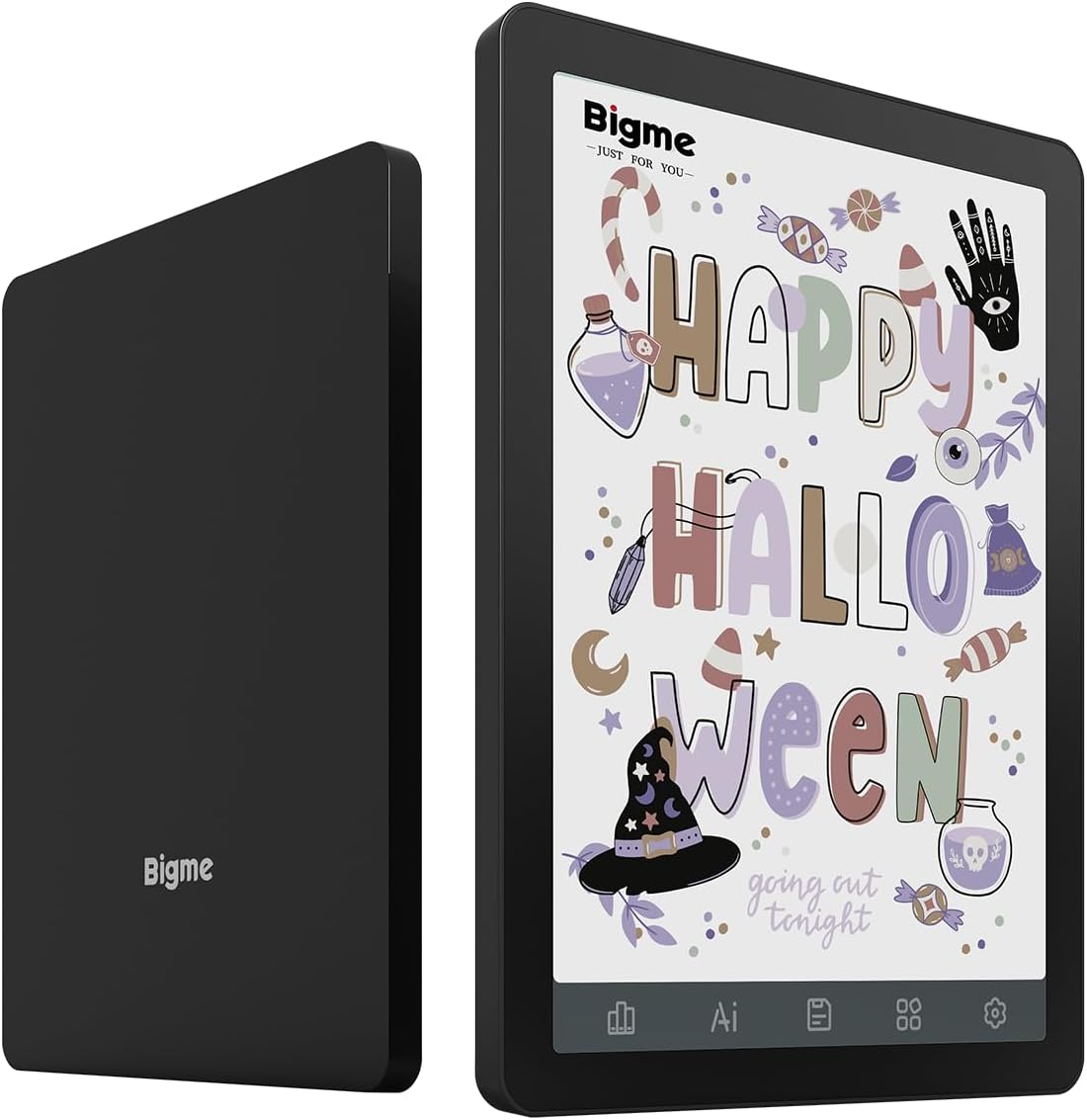
Bigme B6 6-inch Colour ePaper Reader with Android 14OS, 4 + 64 GB (Black)
ASIN: B0FP5DLLH7
- ✓Android 14 with an open app store, so any bookshop or library app fits
- ✓Colour ePaper page with 36 steps of cool and warm light
- ✓Virtual buttons that keep controls off the text
- ✓Anti-ghosting algorithm aimed at comics, web pages and video
- ✓176 grams, the lightest e-reader in this group
- Screen
- 6 in colour ePaper
- System
- Android 14
- Memory
- 4 GB RAM, 64 GB storage
- Weight
- 176 g
- Size
- 15 × 11 × 0.7 cm
- In the box
- User manual
- Warranty
- 1 year
Open this product on Amazon
Amazon prices change all the time, so check the current one on the store page. To compare every Amazon store at once, use our browser extension.
PocketBook Era Color: colour on a 7-inch page
The Era Color is the Verse Pro grown by an inch and given a Kaleido 3 colour filter. The anti-glare panel holds 1,264 × 1,680 pixels, the smart light is the same adjustable one, and a position sensor turns the layout for left-handed and right-handed owners alike. Storage doubles to 32 GB, IPX8 protection carries over, Bluetooth drives the text-to-speech voice, and the maker covers this e-reader for two years. It weighs 235 grams, and a quick start guide and USB-C cable travel with it.
Buyers who came for library loans are the happiest group. One family borrows free books through the app on the e-reader and calls that far simpler than their previous brand's route; a long-time user of a rival label switched and now recommends this e-reader without reservation; a third owner, who reads in the evening without glasses, values how easily the text size changes and got about 2,000 pages per charge with the front light at full strength. Their reservations are the trait shared by all three PocketBook e-readers here: everything is slow, and one owner would give five stars if the speed matched the rest. The colour work draws sharper criticism. A three-star owner could correct the picture with the four colour sliders, but the correction stayed inside that one book, a pale strip remained along the right edge of manga pages, and the book sometimes closed while she moved a slider, so the e-reader went back. Another buyer returned his because copy-protected PDF guides and graphic novels stopped downloading at 100% every time — the exact use he bought a colour panel for.
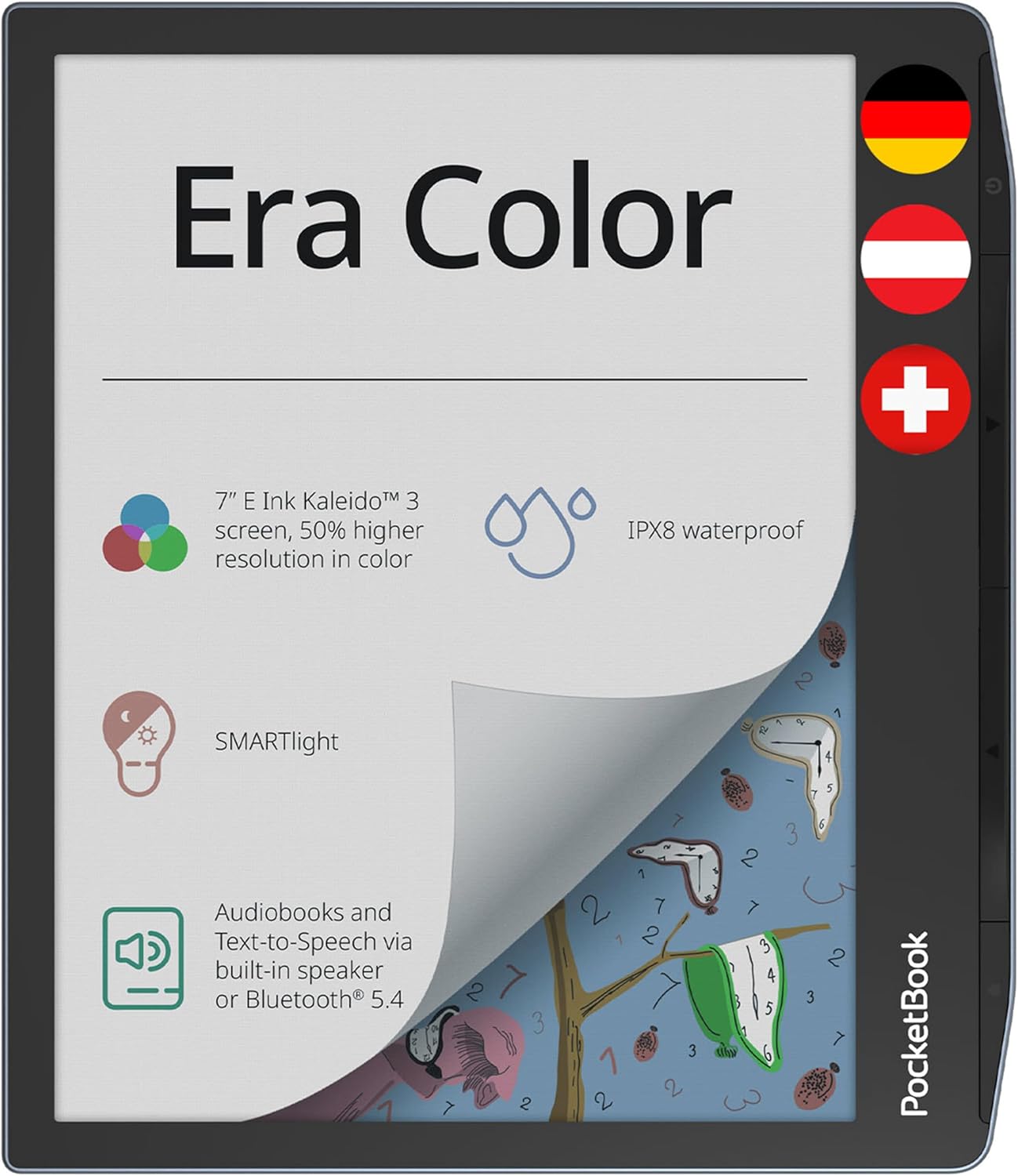
Pocketbook Era Color eReader Grey 7" 32 GB Memory Bluetooth Water protection
ASIN: B0D17H31SH
- ✓7-inch E-Ink Kaleido 3 colour panel, anti-glare, 1,264 × 1,680
- ✓SMARTlight front light with adjustable warmth
- ✓Position sensor that suits left-handed and right-handed owners
- ✓IPX8 water protection and 32 GB of storage
- ✓Two-year manufacturer warranty
- Screen
- 7 in E-Ink Kaleido 3, 1,264 × 1,680
- Storage
- 32 GB
- Water protection
- IPX8
- Weight
- 235 g
- Battery
- About one month
- In the box
- E-reader, USB-C cable, guide
- Warranty
- 2 years from the maker
Open this product on Amazon
Amazon prices change all the time, so check the current one on the store page. To compare every Amazon store at once, use our browser extension.
PocketBook InkPad 4: the big e-reader for PDF documents
The InkPad 4 answers a different question: what if the page were simply bigger? Its 7.8-inch Carta 1200 panel runs at 1,872 × 1,404, the sharpest screen in this e-reader comparison, and that is enough to show an A4 document without pinching and dragging. Storage is 32 GB, the listing names IPX8 and smart light technology, Wi-Fi and Bluetooth are both present, and buttons sit beside the touchscreen. Battery life is quoted at 720 hours, warranty at two years. The extra glass costs weight: 265 grams, the heaviest of these e-readers.
This is also the best-rated e-reader here, at 4.1 stars. One owner values that it needs no cloud connection at all and loads PDFs and image files over USB, with a display he calls very good. Others name the large, legible text and the simple menus, and one who borrows library books says downloads finish quickly here after a slower device. A buyer in the Netherlands warns that the screen sits flush with the frame and reacts more sensitively than the older model she replaced, so a case is wise. The criticism repeats what owners of the other PocketBook e-readers say, and sharpens it: two owners call this e-reader slow for the money, one reckoning a reaction takes about ten seconds and blaming the small working memory rather than the 32 GB nobody fills. Another first-time buyer spent an hour on Wi-Fi and updates, could not undo a wrong library choice, and sent the e-reader back. One small miss: the battery level is not shown on the page, so you have to open the menu.
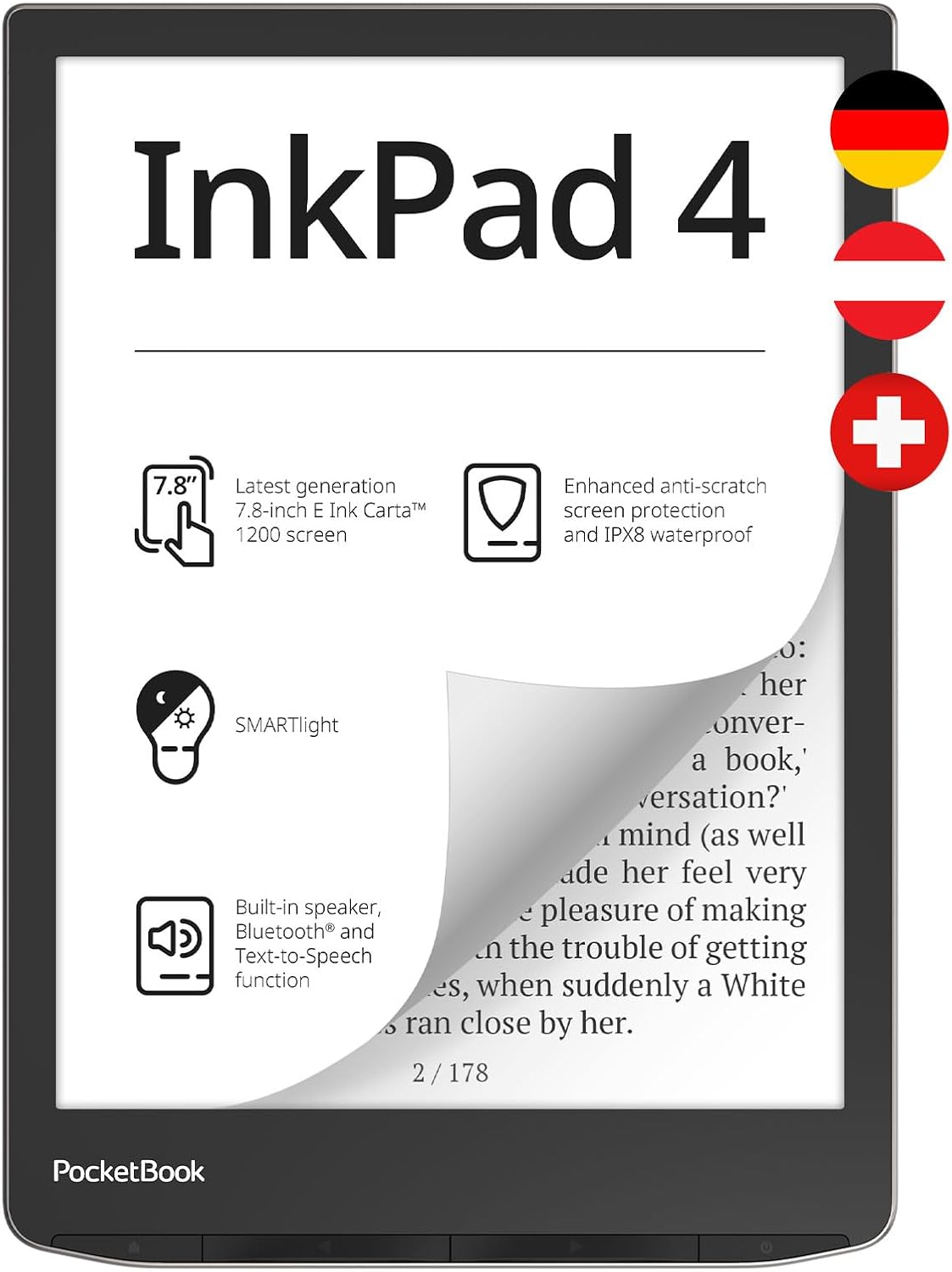
PocketBook E-Book Reader InkPad 4 (German Version) 32 GB Memory, 19.8 cm (7.8 Inch) E-Ink Carta 1200 Touch Display - Stardust Silver
ASIN: B0C62QGL8H
- ✓7.8-inch E-Ink Carta 1200 page at 1,872 × 1,404, the sharpest here
- ✓Big enough for PDF documents without constant zooming
- ✓IPX8 water protection with smart light technology
- ✓32 GB of storage, Wi-Fi, Bluetooth and page-turn buttons
- ✓Two-year manufacturer warranty
- Screen
- 7.8 in E-Ink Carta 1200, 1,872 × 1,404
- Storage
- 32 GB
- Water protection
- IPX8
- Weight
- 265 g
- Battery
- 720 hours
- Warranty
- 2 years from the maker
Open this product on Amazon
Amazon prices change all the time, so check the current one on the store page. To compare every Amazon store at once, use our browser extension.
E-reader comparison by the specifications
Specifications rarely settle an e-reader comparison on their own, but these four e-readers are easier to weigh when the figures stand in one place.
| Parameter | Verse Pro | Bigme B6 | Era Color | InkPad 4 |
|---|---|---|---|---|
| Screen | 6 in Carta | 6 in colour ePaper | 7 in Kaleido 3 | 7.8 in Carta 1200 |
| Resolution | 1,072 × 1,448 | — | 1,264 × 1,680 | 1,872 × 1,404 |
| Colour page | No | Yes | Yes | No |
| Storage | 16 GB | 64 GB | 32 GB | 32 GB |
| RAM | 512 MB | 4 GB | — | — |
| Software | PocketBook | Android 14 | PocketBook | PocketBook |
| Water protection | IPX8 | — | IPX8 | IPX8 |
| Page-turn buttons | Yes | Virtual | No | Yes |
| Weight | 186 g | 176 g | 235 g | 265 g |
| Cable in the box | Yes | No | Yes | — |
| Warranty | — | 1 year | 2 years | 2 years |
| Customer rating | 3.9 (118) | 3.9 (33) | 3.9 (30) | 4.1 (51) |
Those ratings need the crowd behind them. The Verse Pro carries 118 opinions, the InkPad 4 fifty-one, and the two colour e-readers thirty-three and thirty — small enough that one angry buyer moves the average. Three of the four e-readers land on the same 3.9, which says something about the category: these e-readers do the main thing well and annoy their owners in the same place.
What buyers say about these e-readers
One complaint runs through all four e-readers, and it is speed. Owners of the Verse Pro, the Era Color and the InkPad 4 use the same words — slow, sluggish, a wait of seconds — and the Bigme owners swap that for crashes and fixes that arrive by update. Nobody regrets the panel itself; the frustration starts when a finger asks the e-reader to do something. If a phone is your only measure, expect these e-readers to answer at the pace of paper.
The second pattern is happier. Owners who moved to these e-readers from a closed system name the same freedom: any shop, any format, and a library card that works on the e-reader without a computer. Anyone looking for an e-reader for library books will find all four able to do it: the three PocketBook models run the lending app themselves, and the Bigme takes it from the Android store. Several arrived from a rival brand after years and say the move was worth it despite the lag. That is the real trade in this e-reader comparison — patience in exchange for control over your own files.
The third pattern is what arrives in the parcel. One e-reader ships without a charging cable, another owner found an unpromised case inside, and two people recommend a cover because the glass sits flush with the frame. Read the box contents before you order.
Choosing an e-reader: six questions that decide it
- Start with the format list, not the screen. An open format e-reader that reads EPUB, MOBI, PDF and DOC takes files from any shop, any library and your own hard drive; a closed one sends you looking for a converter. Owners raise this before anything else.
- Treat colour as a feature for pictures. Colour e-readers show covers, maps and comics, and pay for it with a darker page, more front light and a shorter charge. For novels, mono wins.
- Match the size to what you read. Six inches suits a paperback in one hand, seven adds room for illustrated pages, and 7.8 inches is where a PDF stops needing zoom. Weight follows the same curve: 176 to 265 grams across these e-readers.
- Decide whether buttons matter. Two of these e-readers turn pages with a thumb press, one uses invisible touch zones, one is touch only.
- Expect the slowness and check the memory. Storage is the number in the title, but RAM decides how long a tap takes — one owner blamed exactly that for a ten-second wait. Open e-readers can at least accept a faster reading app, which is how one buyer fixed his.
- Weigh the warranty against the review count. Two years of cover behind fifty-one ratings is a different promise from one year behind thirty-three, and with a small brand support is part of the e-reader, as one owner discovered when nobody answered.
Frequently asked questions
- Does a colour e-reader make text harder to see?
- Yes, slightly. The colour filter sits over the grey layer, so the page is darker than on a mono e-reader. Owners of both colour models here say they keep the front light on indoors, which also shortens the time between charges.
- Can I borrow library books on these e-readers?
- On the PocketBook e-readers the lending app runs on the device itself, and several owners call that the reason they bought one. The Bigme runs Android, so you install your library's own app from the store. One warning from a review: copy-protected PDF titles such as travel guides failed to download on the Era Color, while ordinary EPUB novels worked.
- Which e-reader is best for PDF documents?
- The 7.8-inch InkPad 4. Its 1,872 × 1,404 page is large enough to show an A4 document without constant zooming, and an owner loads PDFs and image files straight over USB with no account or cloud service involved.
- Do these e-readers really last a month on a charge?
- The listings quote about a month for the PocketBook models and 720 hours for the InkPad 4. Real figures depend on the front light: one owner measured roughly 2,000 pages per charge with the light at full strength, and another, with the radios off, got three days and rated the e-reader one star for it.
- Are page-turn buttons worth looking for?
- If you read one-handed, yes. The Verse Pro and the InkPad 4 both have them, the Bigme uses invisible touch areas instead, and the Era Color is touch only. Buyers also report that tapping the screen sometimes turns the page the wrong way, and swiping fixes it.
- Is an Android e-reader better than a closed one?
- It is more flexible and less predictable. The Bigme owner who installed his library app in seconds is delighted; the one who met crashing software and silent support regrets the purchase. Android buys you any app you like on an e-ink screen, along with the risk that the software is the weakest part of the e-reader.
- Do I need a case?
- It is a sensible extra. Two owners here recommend one — the screen sits flush with the frame on the InkPad 4, and a buyer in the United Kingdom calls the glass on his Verse Pro fragile enough to protect from day one.
Verdict
Every model on the same criteria
Score against price
- Verse Pro3.8 at about €171
- Bigme B63.7 at about €185
- Era Color3.7 at about €261
- InkPad 44.0 at about €298
The overall score divided by the typical price, with the best in the group as the full bar. A rough guide, not a verdict — a cheap model that misses the feature you need is no bargain.
Read the bars as four answers to one question about the page, not as four levels of quality. Six inches in grey is the lightest and brightest way to read novels, and the cheapest e-reader here does it with buttons and an open format list. The 7-inch colour e-reader adds covers and illustrated pages, and pays with a darker screen. The 7.8-inch e-reader is the one to pick for documents, and its 4.1 stars from owners are the highest of the four. The Android device is the outsider: the only e-reader here whose owners argue about software rather than speed. No model leads on every row, and the row where all four sit low is the same one — speed.
Whichever of these e-readers you pick, buy for the page and not for the specification sheet. Decide whether your books have pictures in them, then whether your hand wants 176 grams or 265, and accept that an open e-reader answers a shade slower than a phone. Nothing in the listing says that, and every owner does.